Why Optimization Matters More Than Just Claiming
Claiming your Google My Business listing is step one — but it's just the beginning. A half-completed profile is like opening a store with the lights off. Customers can find you, but they won't be impressed enough to come in.
The businesses winning on Google Maps aren't just present — they're actively optimized. Here's exactly how to get there.
Step 1: Complete Every Section of Your Profile
Google rewards completeness. Start by filling out every available field:
- Business name: Use your real business name — no keyword stuffing
- Category: Choose the most accurate primary category, plus relevant secondary categories
- Address & service area: Be precise — this affects your local ranking radius
- Phone number: Use a local number (not a 1-800 number)
- Website: Link to your actual website or landing page
- Hours: Keep them accurate, including holiday hours
- Business description: Write a 750-character description using natural keywords
A profile that's 100% complete receives significantly more views and interactions than one that's partially filled out.
Step 2: Upload High-Quality Photos Consistently
Photos are one of the most powerful ranking and engagement factors on GMB. Businesses with photos get:
- 42% more requests for directions
- 35% more website clicks
What to upload:
- Exterior photos (so customers can recognize your location)
- Interior photos (let them see the ambiance)
- Product or service photos
- Team photos (humanize your business)
- Before/after photos (for service businesses like salons, contractors, etc.)
Aim to add at least 2-3 new photos per week. This signals to Google that your business is active.
Step 3: Write Regular Google Posts
Google Posts are mini-blog entries that appear directly on your GMB profile. They let you share:
- Promotions and special offers
- New products or services
- Upcoming events
- Business announcements
Posts expire after 7 days (for standard posts), so consistency is key. Businesses that post weekly see significantly higher engagement than those that don't. Think of each post as a free ad that shows up when customers search for you.
Step 4: Build a Review Strategy
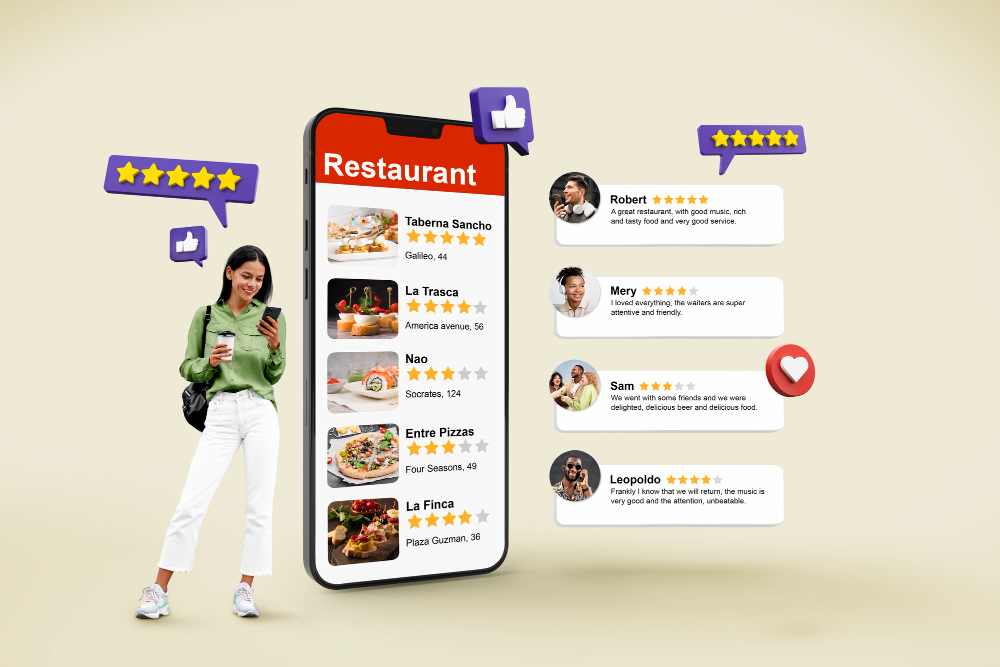
Reviews are the #1 trust signal for local businesses. But great reviews don't happen by accident — they require a system.
Here's what works:
- Ask at the right moment: After a great service, ask customers directly: "Would you mind leaving us a Google review?"
- Make it easy: Use NFC cards (like BzAdPro's smart cards) that customers tap to go straight to your review page
- Respond to every review: Thank positive reviewers. For negative reviews, respond professionally and offer to resolve the issue
- Never buy reviews: Fake reviews can get your profile suspended
A consistent stream of reviews not only builds trust with new customers — it also signals to Google that your business is active and valued.
Step 5: Optimize for Keywords (The Right Way)
Google uses the content in your GMB profile to determine when to show it in searches. Naturally include relevant keywords in:
- Your business description
- Your Google Posts
- Your responses to reviews
- Photo captions (alt text when possible)
For example, if you're a nail salon in Houston, phrases like "best nail salon Houston," "nail art near me," and "gel manicure Houston" should appear naturally throughout your content.
Step 6: Use the Q&A Section Strategically
The Questions & Answers section on your GMB profile is often overlooked — but it's a goldmine for SEO. You can (and should) post your own questions and answer them. This lets you control the narrative and include keywords naturally.
Examples of questions to add:
- "What are your hours on weekends?"
- "Do you accept walk-ins?"
- "What neighborhoods do you serve?"
- "What makes your service different from others?"
Step 7: Monitor Insights and Adjust
GMB gives you analytics data showing how customers find and interact with your profile. Check regularly:
- How customers search for you (direct vs. discovery)
- What queries bring up your profile
- Number of calls, direction requests, website clicks
- Photo views vs. competitor photo views
Use this data to double down on what's working and fix what isn't.
Let BzAdPro Do the Heavy Lifting
Optimizing a GMB profile the right way takes consistent effort — photos, posts, review responses, Q&As, and ongoing adjustments. Most business owners don't have time for all of it while running their business.
That's exactly why BzAdPro exists. Our GMB management service handles everything from profile optimization to weekly posts to review management — so your Google presence keeps growing while you focus on serving your customers.
Want a fully optimized GMB profile that brings you customers on autopilot? Contact BzAdPro today for a free consultation. We'll audit your current profile, identify exactly what's missing, and create a customized action plan to boost your local ranking — fast.